Skip to content
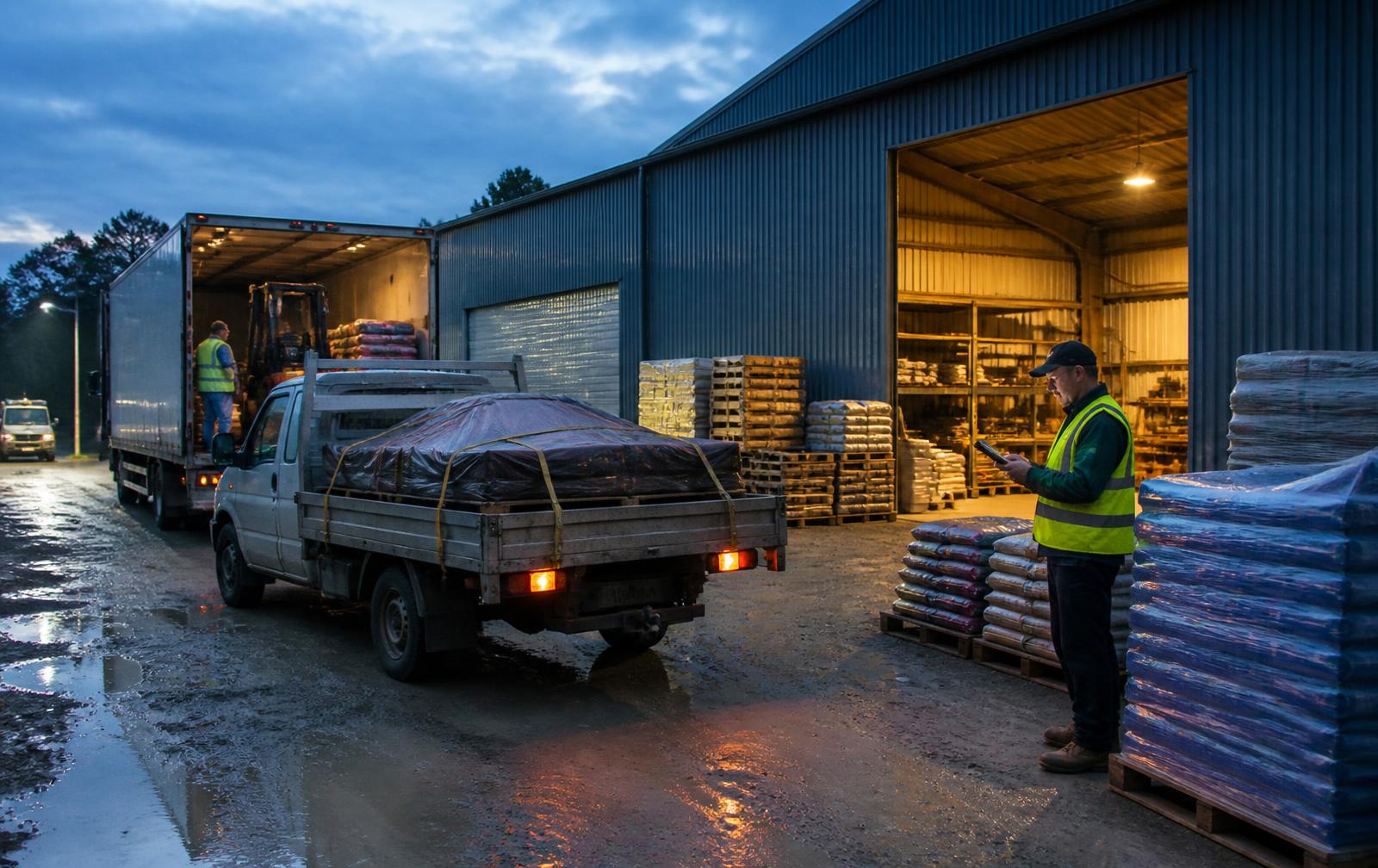
A rural supply yard at dawn with a truck being loaded and a dispatcher in a high-visibility vest checking a tablet beside stacked pallets.

How it works

One delivery, followed from the office to the farm gate

SignedPOD keeps a single record for each delivery. Everyone works on that same record, which is why the numbers stop disagreeing.

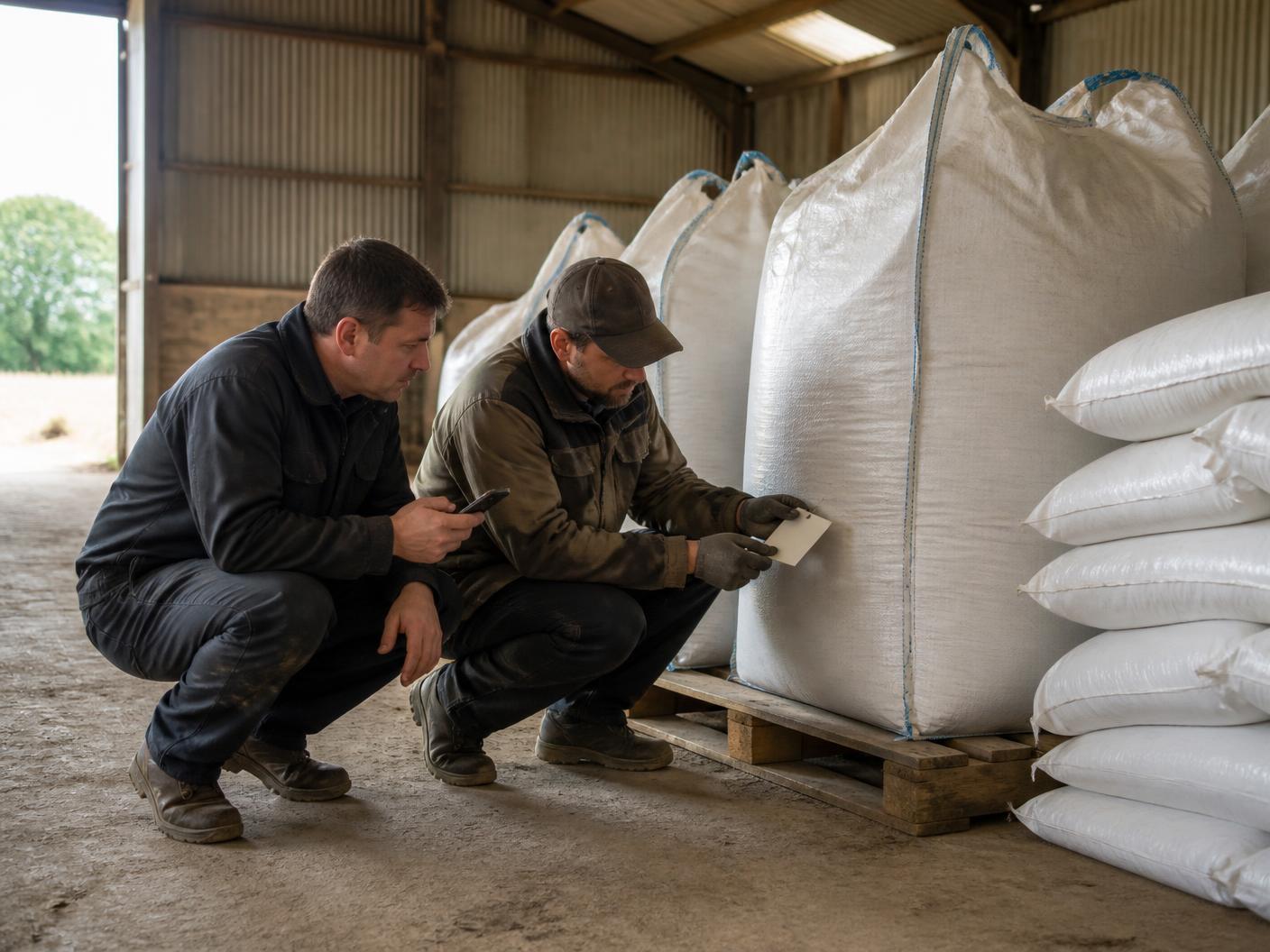
A delivery worker and a farm receiver crouching beside bulk bags in a farm shed, checking a label tag while holding a phone to confirm quantities.

Delivery DL-1042 · PO-48271

Colignan North Farm

Out for delivery
  • Urea 46% — 1t bulk bagOrdered 6 · Loaded 6 · Accepted 6
  • Glyphosate 540 — 20L drumBatch GLY-24118 · Exp 04/2027
  • Potassium sulphate — 25kgOrdered 40 · Accepted 36 · Short 4
2 photos
Signed
Location

Received by J. Marchetti, Farm Manager · 14:26 AEST

The four steps

  1. 1

    Create & assign

    Office builds the delivery from saved records, enters ordered quantities and assigns a driver.

  2. 2

    Deliver & confirm

    Driver checks the load, then confirms each line item on arrival and records anything that differs.

  3. 3

    Capture proof

    Photos, receiver name, signatures, timestamp and location are attached to the delivery.

  4. 4

    Find the record

    The completed POD is searchable from the office with its exceptions and evidence attached.

What each person actually does

No hidden steps and no training manual. Each role has a short, obvious path.

Dispatcher (office)

  1. 1Open SignedPOD on a desktop and create the delivery against the customer and site.
  2. 2Add the product lines and the ordered quantities, plus a purchase order number if the customer uses one.
  3. 3Assign the delivery to a driver and, if useful, add a short note about site access.
  4. 4Watch status move from planned to out for delivery to delivered, without ringing the driver.

Driver (in the ute)

  1. 1Open the Today view on a phone and see the runs assigned for the day.
  2. 2Confirm the loaded quantities before leaving the yard, so a short load is known early.
  3. 3On arrival, record the time and location, and add a photo if the site needs one.
  4. 4Work down the lines: accept the quantity, or enter what was actually accepted and pick a reason.
  5. 5Capture batch or lot details where the product needs them.
  6. 6Take the receiver's name and role, collect both signatures, and finish the delivery.

Receiver (on farm or at the shed)

  1. 1Sees the same line items the driver is confirming, in plain language.
  2. 2Raises a shortage, damage or a refusal at the moment it is noticed, not a week later.
  3. 3Signs once on the driver's phone.
  4. 4Can be sent the finished proof-of-delivery summary rather than a carbon copy.

The record you end up with

A finished SignedPOD delivery is a searchable proof-of-delivery record, not a photo of a piece of paper.

  • Customer, site and purchase order reference
  • Each product line with ordered, loaded, delivered and accepted quantities
  • Batch or lot numbers and expiry where captured
  • Exceptions with a reason, quantity and any linked follow-up delivery
  • Photos taken at arrival, on a line item or against an exception
  • Receiver name, role and signature, plus the driver's signature
  • Timestamp and, where available, location evidence

Delivery DL-1042 · PO-48271

Colignan North Farm

Out for delivery
  • Urea 46% — 1t bulk bagOrdered 6 · Loaded 6 · Accepted 6
  • Glyphosate 540 — 20L drumBatch GLY-24118 · Exp 04/2027
  • Potassium sulphate — 25kgOrdered 40 · Accepted 36 · Short 4
2 photos
Signed
Location

Received by J. Marchetti, Farm Manager · 14:26 AEST

See SignedPOD with your own delivery run

Tell us how your deliveries run today and we will arrange a walkthrough at a time that suits you.

Request a demo

Common questions

How long does a delivery take to confirm on the phone?

A straightforward delivery is mostly confirmation: check the load, tick through the lines, capture the signature. Extra time is only needed when something is short, damaged or refused, which is when the detail matters most.

What if the receiver is not on site?

The driver can record who accepted the load and their role, or note that nobody was available, and support that with photo evidence of where the goods were left.

Can the office change a delivery once the driver has started?

The driver owns the loaded and accepted quantities from the load check onwards, so the record reflects what the person on the ground actually saw. The office keeps control of the ordered quantities and the assignment.