Delivery creation
Build a delivery from saved customer, site and product records, add ordered quantities, a purchase order reference and any notes for the driver.
Built for straightforward deliveries and stronger records.
Features
SignedPOD is organised around the outcomes that matter in rural supply: an accurate delivery record, captured on site, that anyone in the office can find later.
Delivery DL-1042 · PO-48271
Colignan North Farm
Received by J. Marchetti, Farm Manager · 14:26 AEST
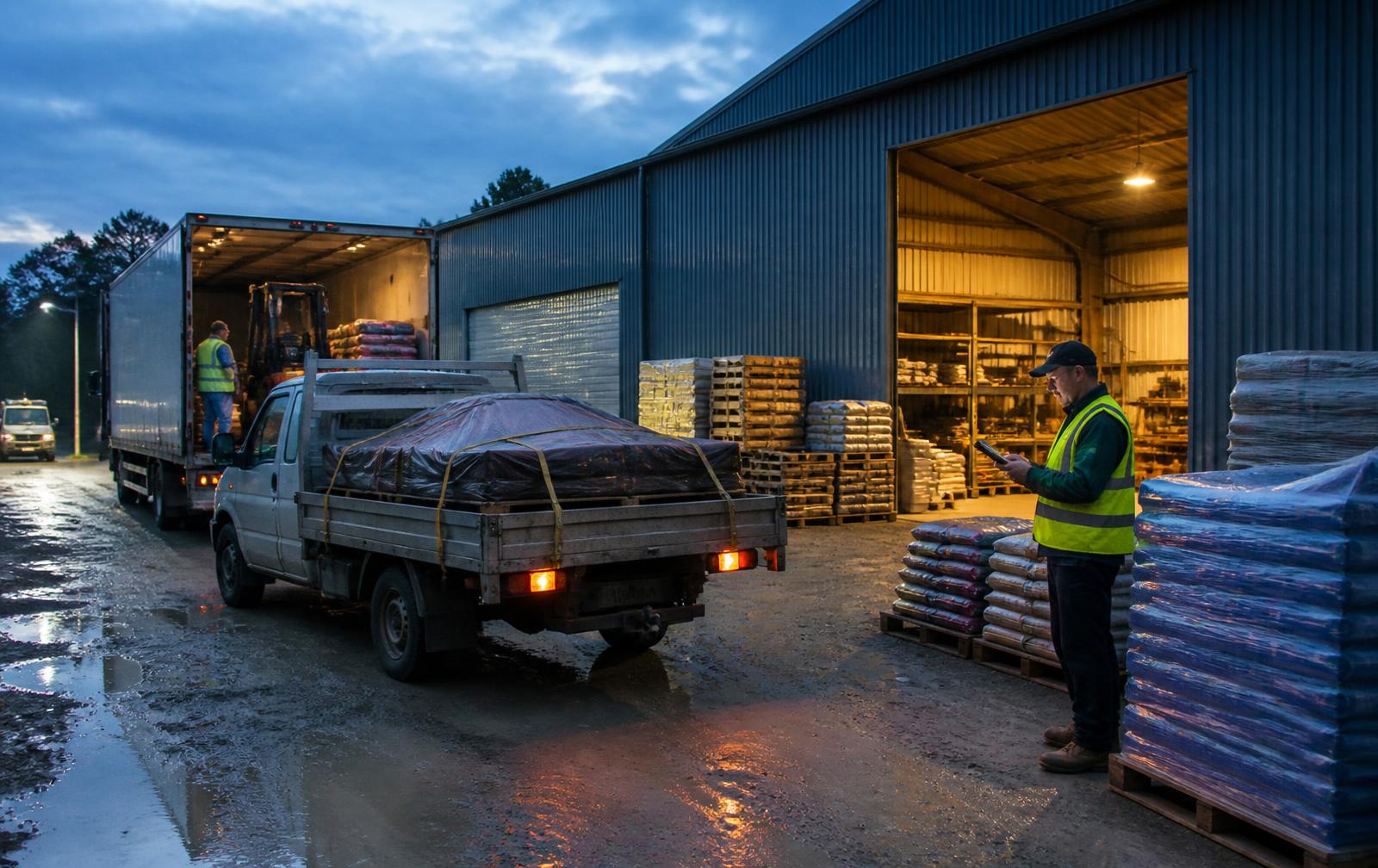
The office controls what was ordered. The driver confirms what was actually loaded before departure.
Build a delivery from saved customer, site and product records, add ordered quantities, a purchase order reference and any notes for the driver.
Assigned deliveries appear on that driver's Today view. Drivers only see the work assigned to them.
Before a run starts the driver confirms the loaded quantities, so a short load is known in the yard rather than at the farm gate.
A delivery record is only useful if it reflects the delivery, including the parts that went wrong.
Ordered, loaded, delivered and accepted quantities sit on one screen, line by line, so the numbers are agreed while both people are standing there.
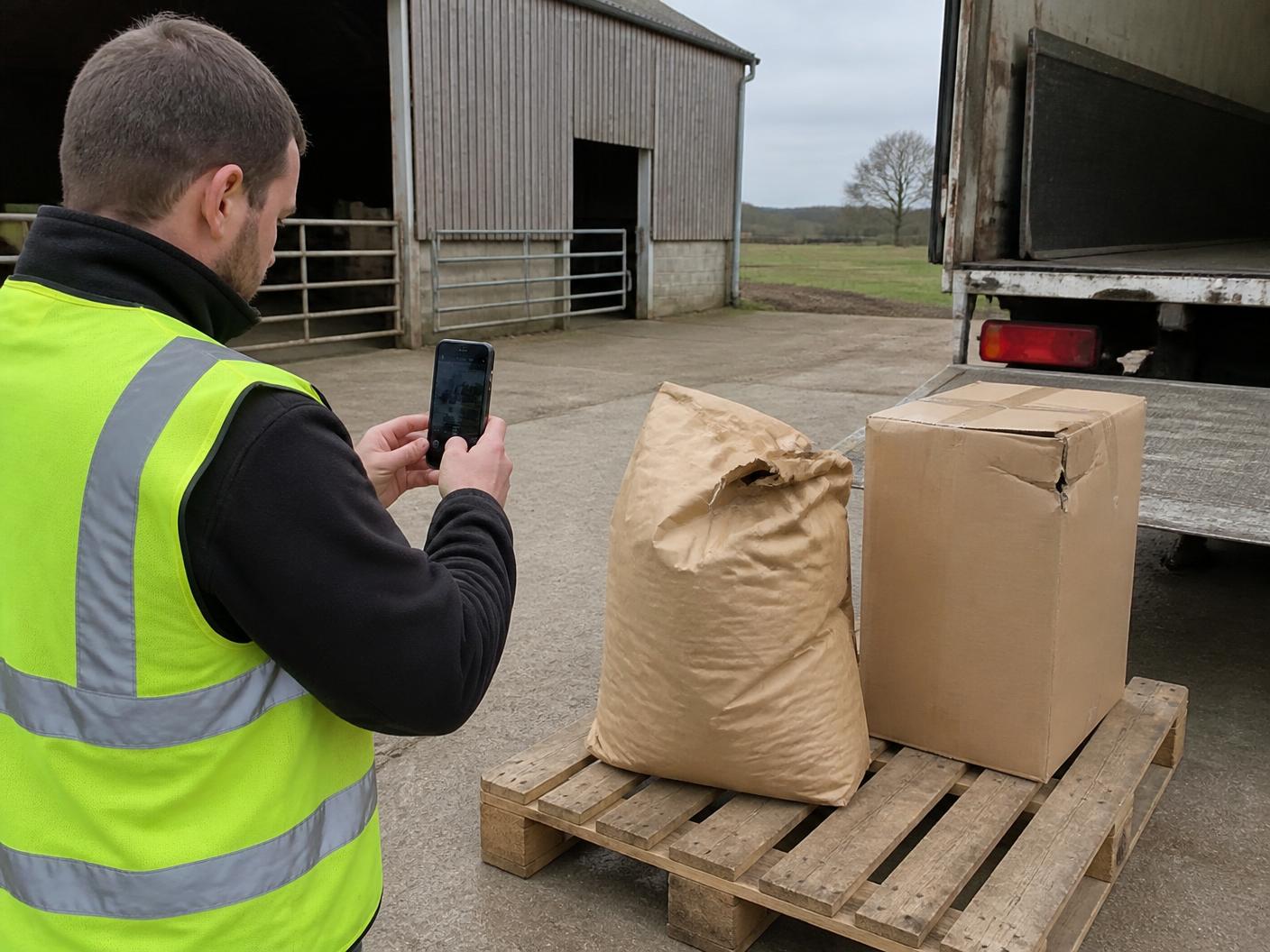
Record shortages, damaged goods, refused items and unsafe access with a reason and the quantity involved. Remaining quantities can carry into a follow-up delivery.
Enter batch or lot numbers and expiry dates against the products that need them, stored on the same line as the quantity accepted.
Take or select photos at arrival, against a line item, or against an exception. Images are resized on the phone and stored privately to your organisation.
Capture who received the load, their role, and their signature on the screen. The driver signs the same record.
Confirmations are timestamped, and location is recorded where the driver's device permits it, so arrival evidence sits with the record.
The office side is built for the question that arrives three weeks after the load: what exactly did we deliver?
Filter by status, customer, site or driver and open the full record.
A clean, readable summary of quantities, exceptions, evidence and signatures.
Large touch targets, short steps and plain language for the driver.
Work is saved on the phone and sent when a connection returns, with honest status.
Tell us how your deliveries run today and we will arrange a walkthrough at a time that suits you.
No, and we will not claim it is. SignedPOD is built for intermittent regional coverage: work done on the phone is stored on the device and queued, then sent when a connection returns. The driver can always see whether a delivery is saved on the phone, sending, or sent.
Yes. There is a controlled spreadsheet import used to load customer, site and product records, which is handled with you rather than left as a self-service upload.
Each business has its own workspace. Records are scoped to the organisation that owns them and access is enforced at the database level, so one business never sees another's deliveries.